
Invite your team members to your account and control their level of access.

We've introduced a brand new feature to our tool for all our customers: User Management.
At Indexing Insight we’ve built a solution that allows our customers to invite other team members and control their level of access.
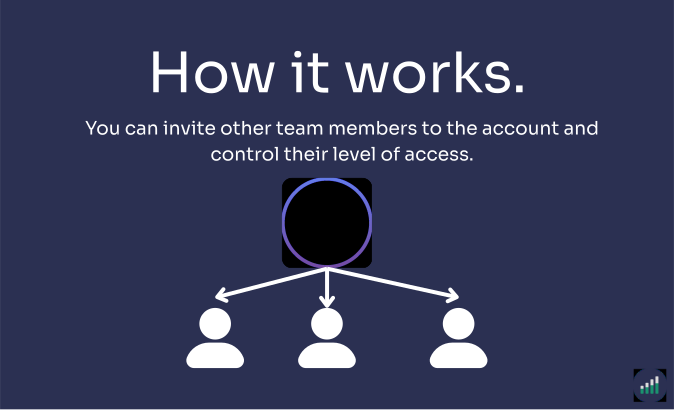
The user management solution allows our customers to invite team members and control the level of access for each team member.
What you can do with this new solution:
This report is perfect for SEO teams who want multiple team members who want to access Indexing Insights.
Find it under Account Settings → User Management in your account.
The solution works by the Owner inviting others to join the account via email.
The owner user can add a new user by going to account settings.
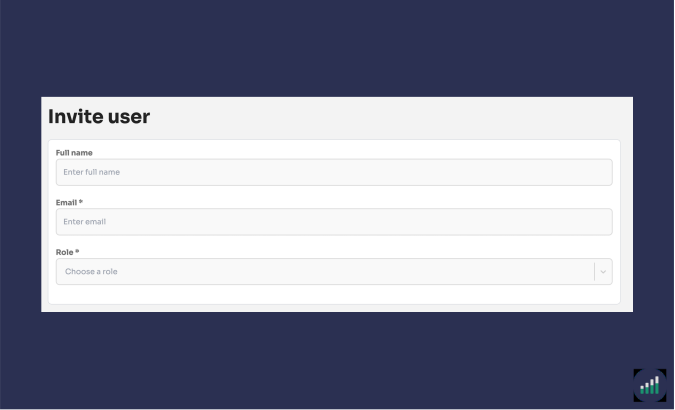
You will be taken to the Invite user page. The first thing you will need to do is enter the following information for a new user:
Then you need to select the websites in your account that you want the user to access. Then hit "Invite user". An invitation email will automatically be sent to users email.
Learn more about User Management in our support documentation.
Join Indexing Insight to log in and start using this right away! Or book a demo for one of our team to take you through the tool.