
Add multiple Google Search Console accounts to your account.
We've introduced a brand new feature to our tool for all our customers: Add multiple Google accounts.
At Indexing Insight, we’ve built a solution that allows our customers to log in and add multiple Google Search Console accounts.
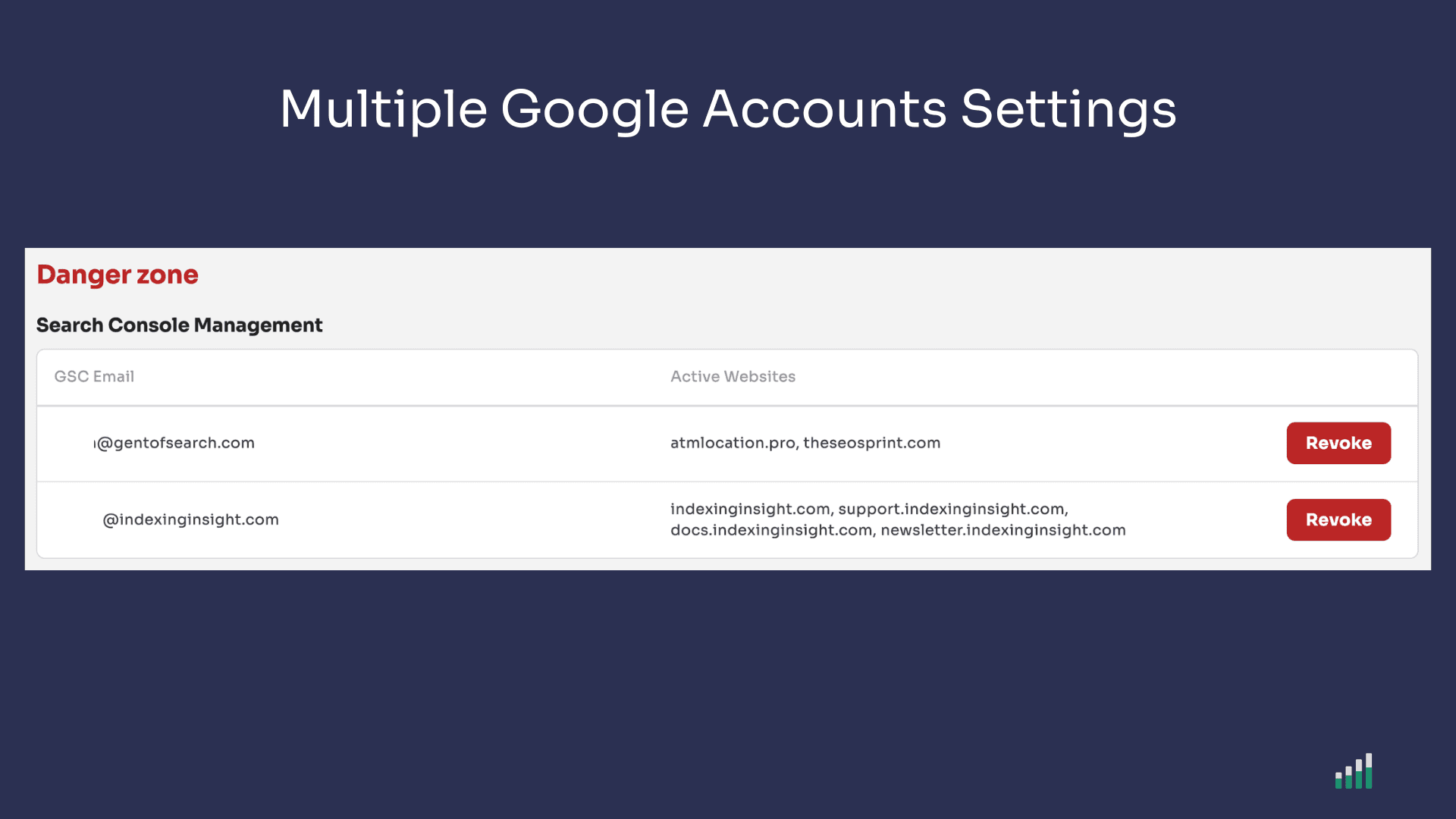
The new account setting allows customers to log in and add multiple Google Search Console account.
What you can do with this new feature:
This new account setting is perfect for SEO teams who want to monitor Google indexing for websites spread out across multiple Search Console accounts.
Find it under Account Settings → Manage Search Console Accounts.
The new solution allows SEO teams to add multiple Google Search Console accounts to their account.
Once you've added another Google Search Console account, you will be able to start monitoring the domain properties within that new account.
You can add up to 10 Google Search Console accounts. However, your account settings will still determine how many pages you can monitor.
Learn more about the Multiple Search Console settings in our support documentation.
Join Indexing Insight to log in and start using this right away! Or book a demo for one of our team to take you through the tool.