
We've introduced a brand new feature to our tool for all our customers: Exporting your data to BigQuery.

We've introduced a brand new feature to our tool for all our customers: Exporting your data to BigQuery.
At Indexing Insight, we've built a solution that automatically exports your monitored Google indexing data into BigQuery and keeps it refreshed after each inspection schedule.
The BigQuery integration connects your Indexing Insight account to a BigQuery dataset, so your indexing data lands in your warehouse without any manual exports.
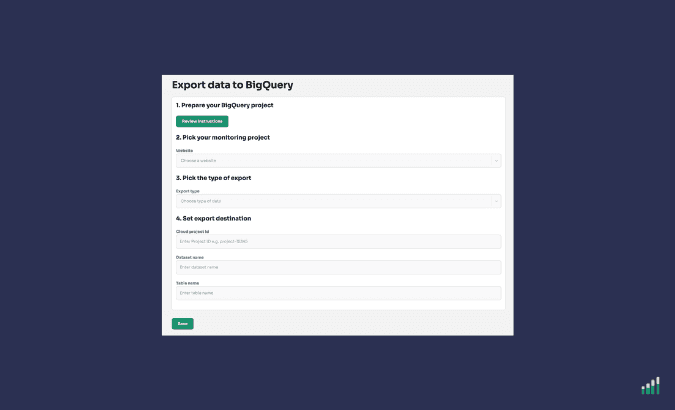
What you can do with this new feature:
This feature is perfect for SEO, data and analytics teams who want Google indexing data sitting alongside the rest of their data in BigQuery.
Please check out our pricing page to see which customers can access this feature.
Find it under Account Settings → Integrations.
The integration writes your indexing data to a BigQuery table and updates it everyday after each inspection cycle.
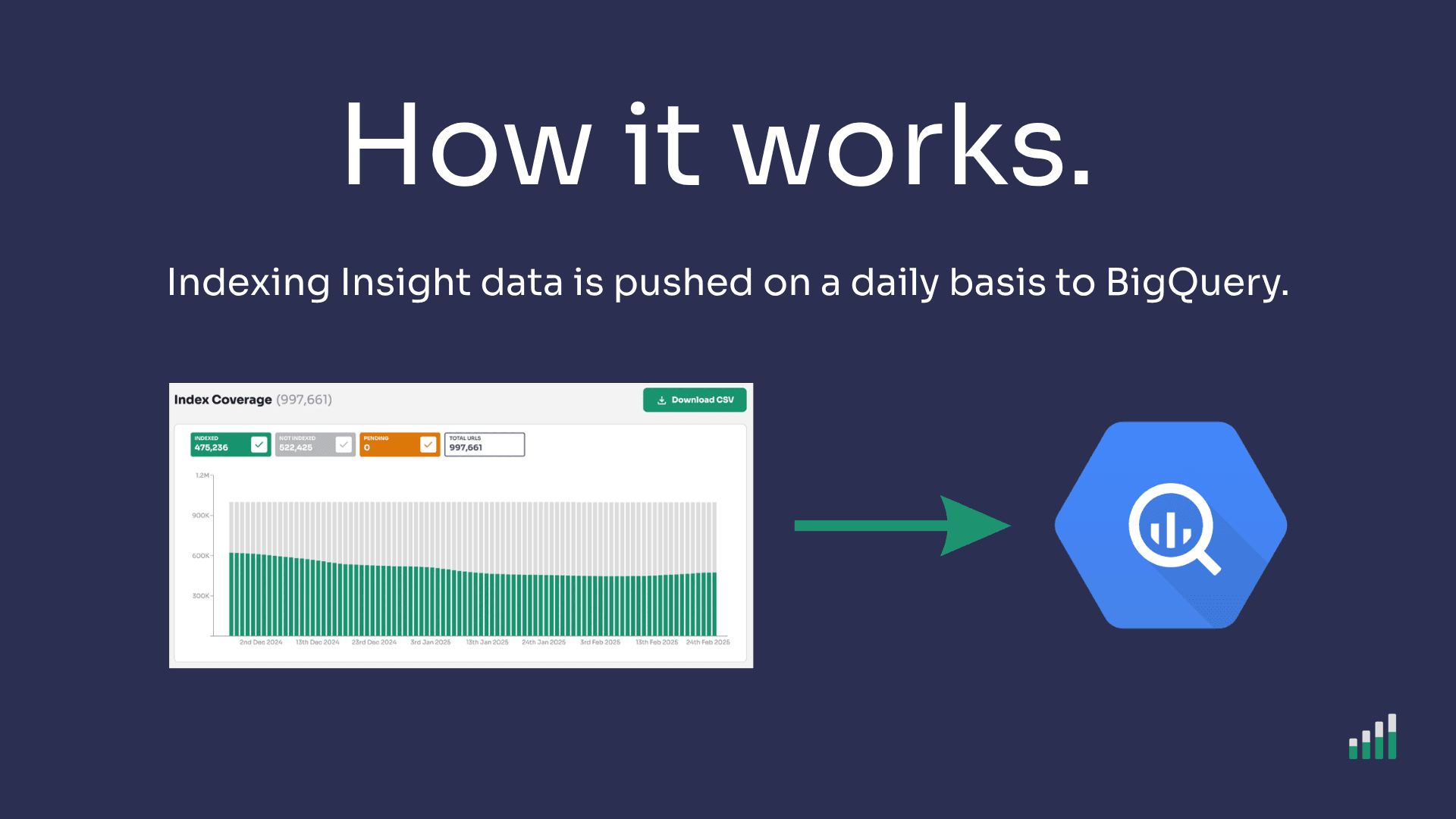
Once you've connected a BigQuery dataset, Indexing Insight pushes your monitored indexing data into it.
Every time we refresh your indexing data, we update the table, so the data in BigQuery stays in step with what you see in the tool. You choose the refresh schedule, so the data is as current as your reporting needs.
You can select one of the following data types:
Don't worry, you don't have to push all this data if you don't want to. You can either choose to push 1 type of data or all 3 for each website. It's completely up to you what data you pull.
You are in complete control of what you push to BigQuery.
Learn more about the BigQuery integration feature in our support documentation.
Join Indexing Insight to log in and start using this right away! Or book a demo for one of our team to take you through the tool.