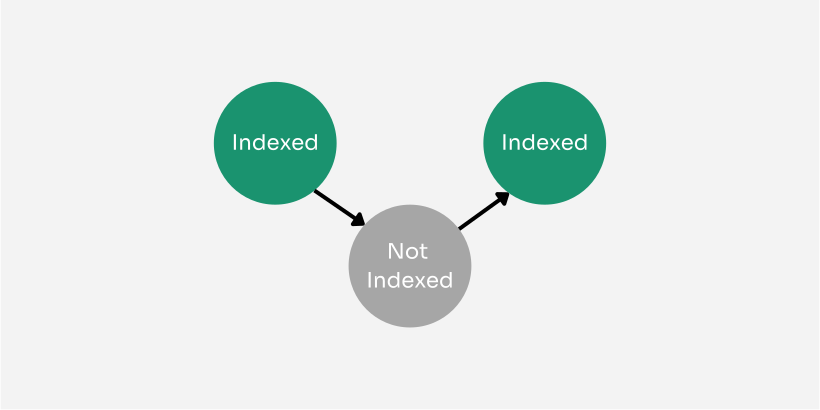
Identify exactly which pages are jumping from Indexed to Not Indexed.
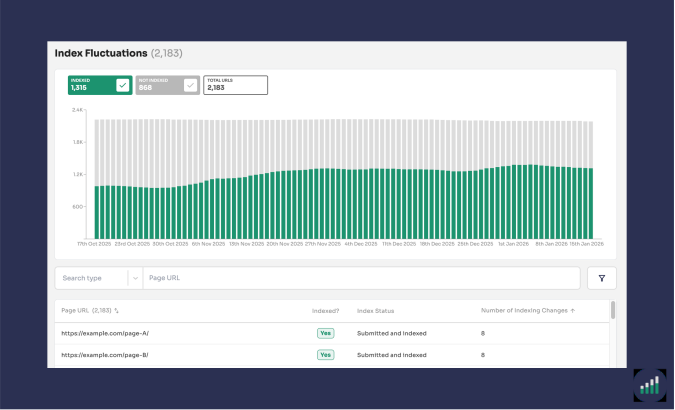
We've introduced a brand new feature to our tool for all our customers: Index Fluctuations report.
At Indexing Insight we’ve built a solution which allows our customers to identify exactly which pages are jumping from Indexed to Not Indexed.
The new Index Fluctuations report automatically tracks which pages move in and out of Google's index. And catches issues that Google Search Console doesn't highlight.
What you can do with this new report:
This report is perfect for SEO teams who want to debug mysterious deindexing issues or be proactive in preventing key pages from being deindexed.
Find it under Indexing → Index Fluctuations in your projects.
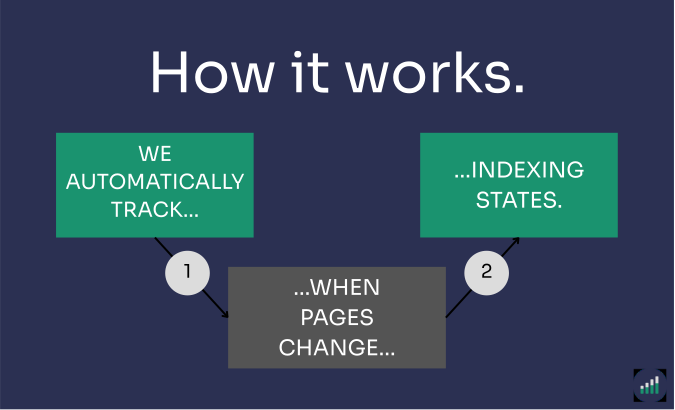
The report works by automatically monitoring indexing states.
When Google removes a page from its index, we now flag it as "Crawled - Previously Indexed". A status Google Search Console doesn't show you. This gives you visibility into pages that were performing well enough to be indexed but have since been demoted.
However, Google's indexing process doesn't stop at deindexing.
Google appears to use quality scoring to determine which pages deserve to be indexed. Pages marked as "Crawled - Previously Indexed" can hover near the 'quality' threshold and bounce between Indexed and Not Indexed states.
It's the change in indexing state we track automatically and group page URLs that are 'fluctuating' in the Index Fluctuations report.
Learn more about the Index Fluctuations Report in our support documentation.
Join Indexing Insight to log in and start using this right away! Or book a demo for one of our team to take you through the tool.